
Last Updated on September 3, 2026 by Jeremy
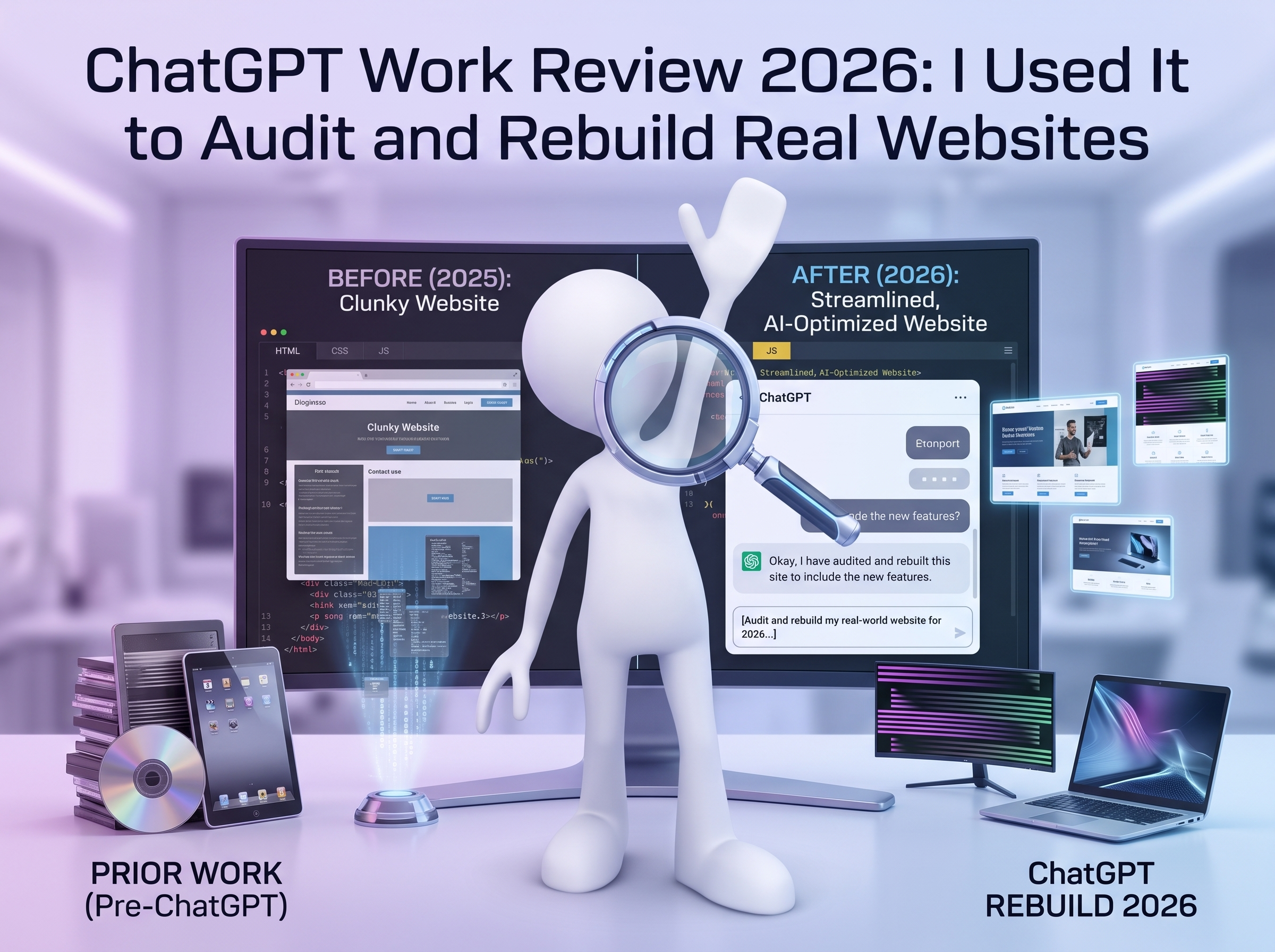
Disclosure: I pay for and use ChatGPT in my own work. OpenAI did not sponsor this review. Links to my Wealthy Affiliate posts include my affiliate tracking code; I may earn a commission if a reader later upgrades through an eligible link, at no extra cost to them. No income result is promised. I did not test ChatGPT Work by asking it to write one polished article and calling the result productive. I used it on the work that normally spreads across browser tabs, spreadsheets, WordPress dashboards, code files, databases, analytics properties, affiliate accounts and long project notes. That included rebuilding visitor journeys, separating mixed analytics data, publishing controlled internal-link clusters, working through repeated 502 errors, inspecting Supabase functions and APIs, producing complete replacement files, and keeping an exact record of what succeeded when a browser session did not. This ChatGPT Work review is my assessment after using the feature as a working partner across real projects. It is not a claim that the software is flawless, autonomous or suitable for everyone. Image disclosure: This image was generated with AI for illustrative purposes. My short verdict: Chat is where I think through a problem. Work is where I hand over a defined workload, inspect the result and keep the project moving. For my workload, yes. Its value is not that every individual answer is smarter than Chat. The difference is the ability to pursue a clear outcome across multiple steps, use files and approved tools, create finished deliverables, show progress and preserve a working plan while I review decisions and approve important actions. The return falls sharply when the task is vague, the source information is weak or the job only needs a quick answer. OpenAI describes ChatGPT Work as a way to delegate substantial tasks and receive results you can review. Official documentation separates it from ordinary Chat: Chat is positioned for answers, explanations, brainstorming and short drafts; Work is for clear outcomes such as analyses, files, workflows and recurring updates. Depending on the surface, plan, rollout and permissions, Work can use files, plugins and approved tools. On supported desktop setups it may also work with local files, apps and a browser. Availability, usage credits and particular capabilities can change, so I would check the current interface and documentation instead of choosing a subscription from an old screenshot. You need a quick answer, want to explore an idea or have not decided what the final deliverable should be. You can define the outcome, sources, limits, review criteria and stopping point for a larger assignment. My testing was not a lab benchmark. It was repeated use across my own content businesses, a client fishing site, a travel site, an RV authority site and a more technical outdoor answer engine. That gives this review strong real-world depth, but the results are still one operator’s experience on specific accounts, websites and projects. I documented the early phase in Why I Prefer ChatGPT Work Mode After Putting It Through Some Serious Testing. The follow-up, What Happened When I Let GPT’s Work Mode Audit an Entire Website—Part 2, records what changed when the assignment became a whole-site audit. Regular AI coding often turns into a long copy-and-paste loop. One function is repaired, another dependency breaks, and soon neither side is looking at the complete state of the project. With Work, I could provide the connected files, state the non-negotiable rules and ask for a complete output. On content work, the same advantage appeared at a different scale. Four articles were not merely four documents. Each required intent, research, links, images, formatting, metadata, disclosures, FAQs, schema and a final validation pass. Work treated that as a batch with separate identities rather than one generic writing prompt repeated four times. The most useful audit began with a business question: what is this website supposed to help a visitor do? That reframed the homepage, content clusters, booking paths and human handoff. It also prevented “optimization” from becoming indiscriminate deletion. Work inspected Search Console history, indexed URLs, redirects, affiliate relationships and existing pages before proposing changes. Some older content that looked expendable had search value or comments worth protecting. Other pages needed to be rebuilt, consolidated or connected. On the analytics side, it helped trace a Google tag and separate data that had been mixed with another property. In another test, a dashboard appeared to show 157 leads, but the audit found that the number did not represent 157 legitimate new customer inquiries. That kind of finding is more valuable than a beautiful report because it changes the business decision. WordPress began returning repeated 502 errors during a controlled internal-linking project. Some saves succeeded despite the error. Others failed. A few Update attempts landed on the profile screen. Work could not overpower a failing gateway—and that is exactly the point. It checked the authoritative source, looked for the unique insertion marker and determined which page had actually changed before proceeding. When automation could not safely complete the step, I clicked Update myself. This exposed one of Work’s best features and one of its hard limits at the same time. It can maintain method and continuity through failure. It cannot make an inaccessible or broken external system cooperate. It did not know who should receive a travel lead, whether I earned a commission or what promise I was willing to make. I supplied that. Publishing, authentication, payments and consequential changes may require confirmation or a manual action. It cannot invent which Costa Rica road I have personally driven or which RV problem I have actually encountered. I still check claims, links, design, mobile behaviour, schema and whether the result deserves my name. Some sites blocked access, sessions expired and third-party dashboards behaved unpredictably. A browser-capable assistant remains subject to the website, permissions and connection available to it. During one controlled check, the same machine and network worked through Jessica’s Plus account while my Pro session returned a network error. That did not prove Plus was more reliable than Pro. It narrowed the fault away from the computer and internet connection and toward an account, session, rollout or service condition that I could not independently identify. Long assignments consume more resources than quick Chat replies. Current limits vary by plan and product state. Work is most economical when the outcome is valuable enough to justify a substantial run and the prompt prevents unnecessary wandering. A finished-looking artifact can contain a wrong claim, weak source or invented bridge between facts. Review standards matter more when the output is polished because polish makes errors easier to trust. A single conversation is not a project-management strategy. My better results came after requiring roadmaps, verified states, rollback points, parked decisions and a clear next action. ChatGPT Work has changed the scale of what I can organize, inspect and finish. It has not removed me from the job. The successful projects still depended on my firsthand knowledge, approvals, corrections and decision to stop changing a site long enough to measure what happened. That is why my rating is 4.4 out of 5 rather than a perfect score. The core workflow is genuinely different from ordinary chat and extremely valuable for my work. Browser failures, changing availability, usage constraints and the need for human oversight remain real. I am no longer asking whether AI can draft something for me. I am testing whether we can manage a real project together—and whether the verified result is better than where we started. Read the two field reports that led to this review, or start with the wider From 0 to 100K project and see how I document tools, costs, failures and results without pretending the finish line has already been reached. It is OpenAI’s workflow for delegating substantial tasks with clear outcomes, multiple steps, files or tools and reviewable results. It is part of ChatGPT but designed for larger outcome-based assignments. Regular Chat remains better for quick answers, exploration and short drafts. It can assist with site structure, content, analytics, search evidence, links, code and public checks when given access and clear boundaries. External logins, failures and consequential changes may require the owner. Browser availability depends on the surface, plan, rollout, workspace and permissions. It also remains subject to website access and authentication. No. It can complete and verify substantial work, but qualified review, business truth, approvals and accountability still belong to people. It was worth it for my multi-step website and development workload. Value depends on current plan terms, task complexity, frequency and whether the outputs save more time or money than the access costs.

Not for: anyone expecting unsupervised perfection, guaranteed browser access or a substitute for business judgment.Is ChatGPT Work Worth It?
What ChatGPT Work Actually Is
Use Chat when…
Use Work when…
How I Tested It
Test
What I assigned
What counted as success
Multi-article production
Different topics, brands, research requirements, images, HTML, SEO and schema in one batch
Separate publication-ready files that retained each site’s purpose and design
Full website audit
Visitor journey, content architecture, tracking, search history, affiliates and public QA
A prioritized roadmap plus verified live changes and recovery checkpoints
Development project
HTML, CSS, JavaScript, APIs, Supabase functions and connected files
Complete replacements, tests and a rollback point—not isolated snippets
Analytics investigation
GA4 tags, properties, leads and Search Console evidence
Separate trustworthy measurements from misleading dashboard totals
Failure recovery
502 errors, failed saves, authentication limits and browser interruptions
Resume from the last verified state without duplicating or losing work
Account comparison
The same browser/network task on Jessica’s Plus access and my Pro access
Determine whether one failure was global or tied to an account/session condition
The Strongest Result: Work Could Hold the Whole Assignment

Website Auditing Went Beyond a List of SEO Problems
The 502 Test Was More Important Than a Perfect Demo
Where ChatGPT Work Still Needs Me
Business truth
Approvals
Firsthand experience
Final responsibility

The Weaknesses I Encountered
Browser and authentication limits
Inconsistent account or session behaviour
Usage limits and credits
Confident output still needs evidence
Long projects need checkpoints
My ChatGPT Work Scorecard
Area
My rating
Reason
Large, defined deliverables
9.5/10
The clearest advantage over an ordinary back-and-forth chat
Working across files and sources
9/10
Strong when the complete source set and constraints are supplied
Continuity and recovery
8.8/10
Excellent with explicit checkpoints; weaker if none are requested
Browser reliability
6.8/10
Useful but dependent on external sites, authentication and service conditions
Independent judgment
6/10
Can analyze evidence, but cannot own my business facts or accountability
Overall fit for my work
8.8/10
A major productivity tool when I remain reviewer and decision maker
How to Use ChatGPT Work Well
Who Should Use It—and Who Should Wait
Strong fit
Weak fit
Final Verdict

Continue the Real Testing
Official Product Sources
Frequently Asked Questions
What is ChatGPT Work?
Is ChatGPT Work the same as regular ChatGPT?
Can ChatGPT Work audit a website?
Can ChatGPT Work use a browser?
Does ChatGPT Work replace a developer or business owner?
Is ChatGPT Work worth paying for?



Leave a Reply